Try GPT Image 2 text-to-image and image-to-image

GPT Image 2 generator for image generation and editing

Create images from text, edit uploaded references, and compare GPT Image 2 with GPT Image 1.5 using aspect ratio, resolution, and format controls in one workspace.

Image Generator

Images(0/9)
0 / 8000
Cost 4 credits4 credits

Ready to Create

Upload an image and describe your edits

GPT Image 2 examples for real image workflows

Explore GPT Image 2 prompts for product visuals, visual explainers, character references, and style-rich art direction before you generate your own image.

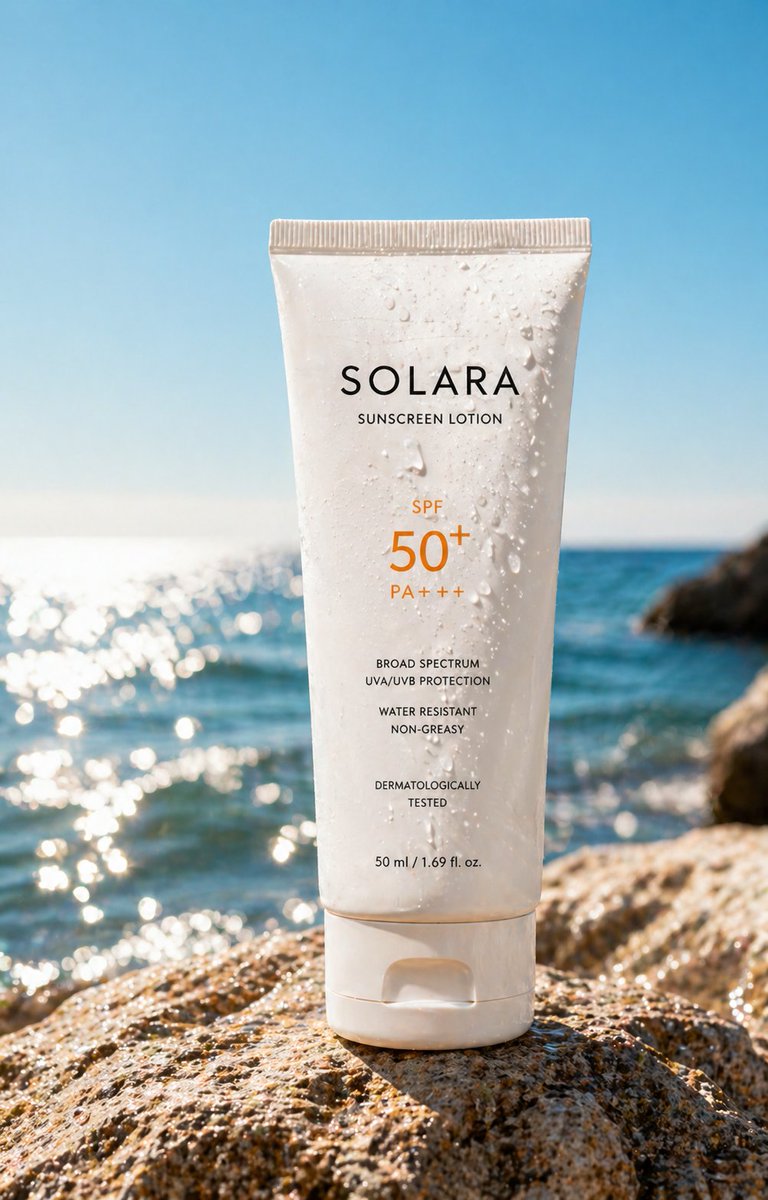
GPT Image 2 luxury sunscreen product ad example
01

Campaign-ready product visuals

GPT Image 2 can turn a prompt into polished product marketing images with clean lighting, realistic materials, and premium composition.

What it does

Builds hero shots, ad layouts, and launch visuals directly from text.

Why it stands out

Keeps packaging detail, reflections, and surface rendering sharp at higher resolutions.

Use it for

Beauty, fashion, tech, food, and other commerce-first campaigns.
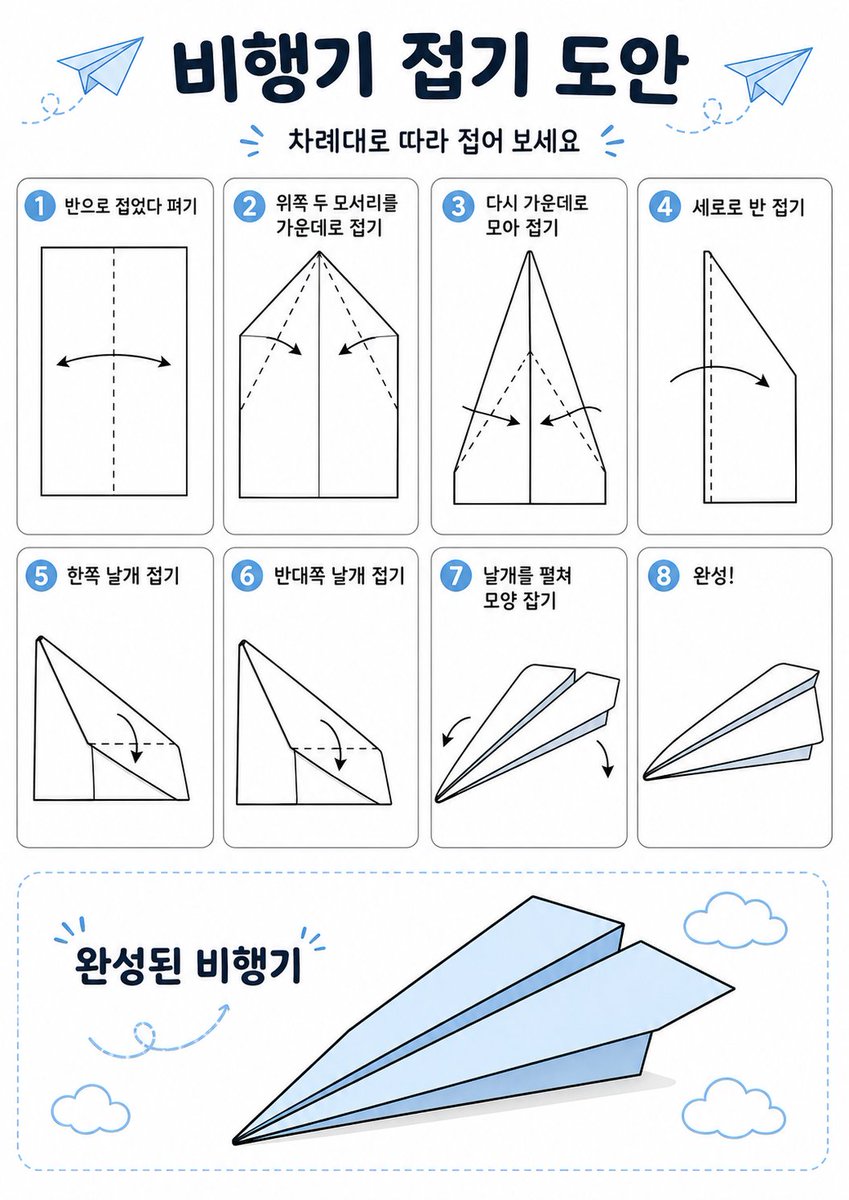
GPT Image 2 Korean paper airplane instruction infographic
02

Infographics and visual explainers

GPT Image 2 handles structured layouts, labeled scenes, and step-by-step educational graphics more cleanly than a generic art-only workflow.

What it does

Creates diagrams, instruction graphics, and poster-like explainers.

Why it stands out

Balances illustration, typography-like placement, and spatial clarity in one frame.

Use it for

Tutorials, classroom visuals, social explainers, and editorial graphics.

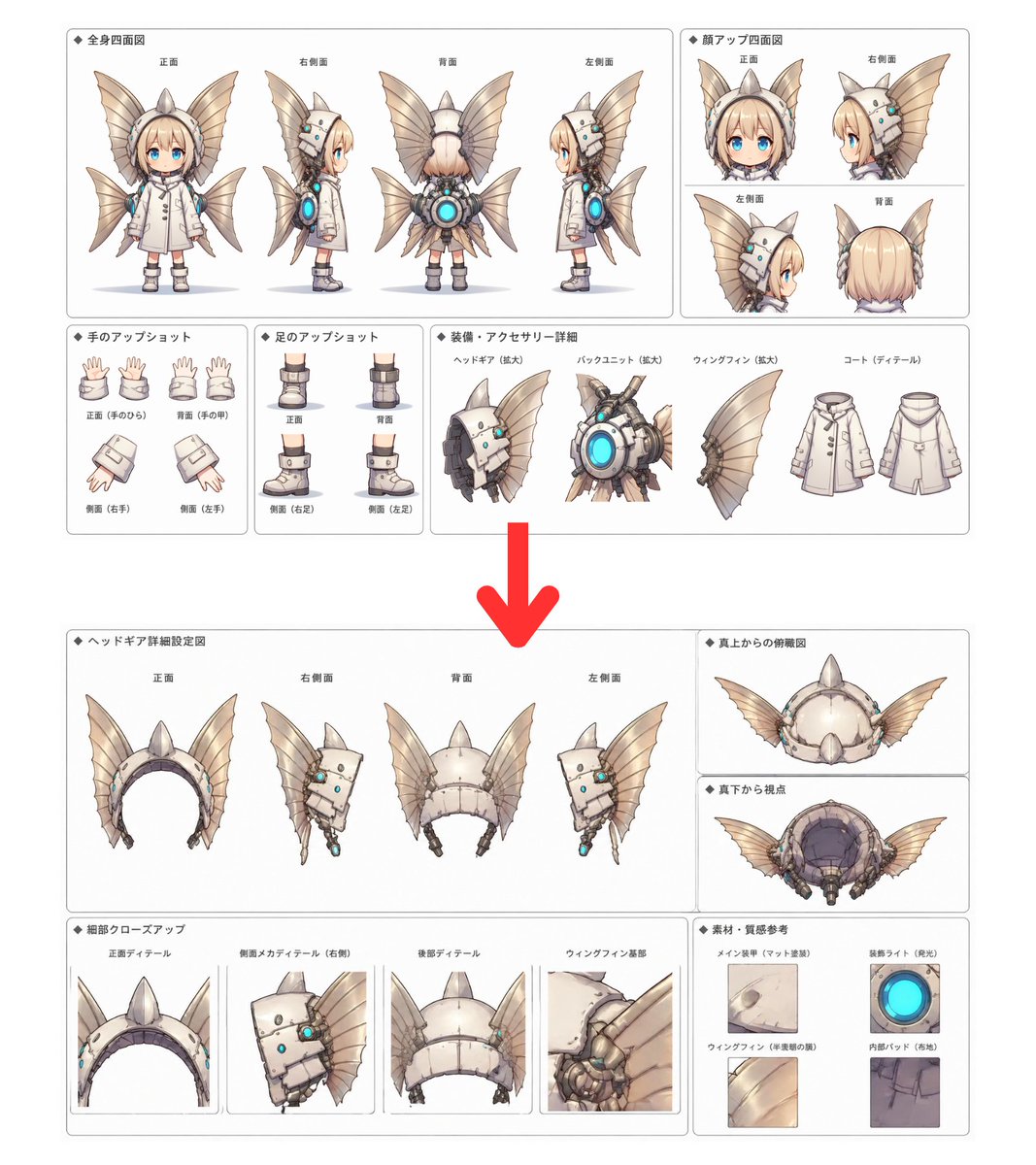
GPT Image 2 character design reference sheet example
03

Character sheets and concept references

GPT Image 2 can present one idea across multiple poses, callouts, and design details, which makes it useful for character development and IP exploration.

What it does

Builds reference boards, costume studies, and visual identity sheets.

Why it stands out

Maintains design consistency across angles, expressions, and accessory details.

Use it for

Games, animation, comics, toy concepts, and pitch decks.

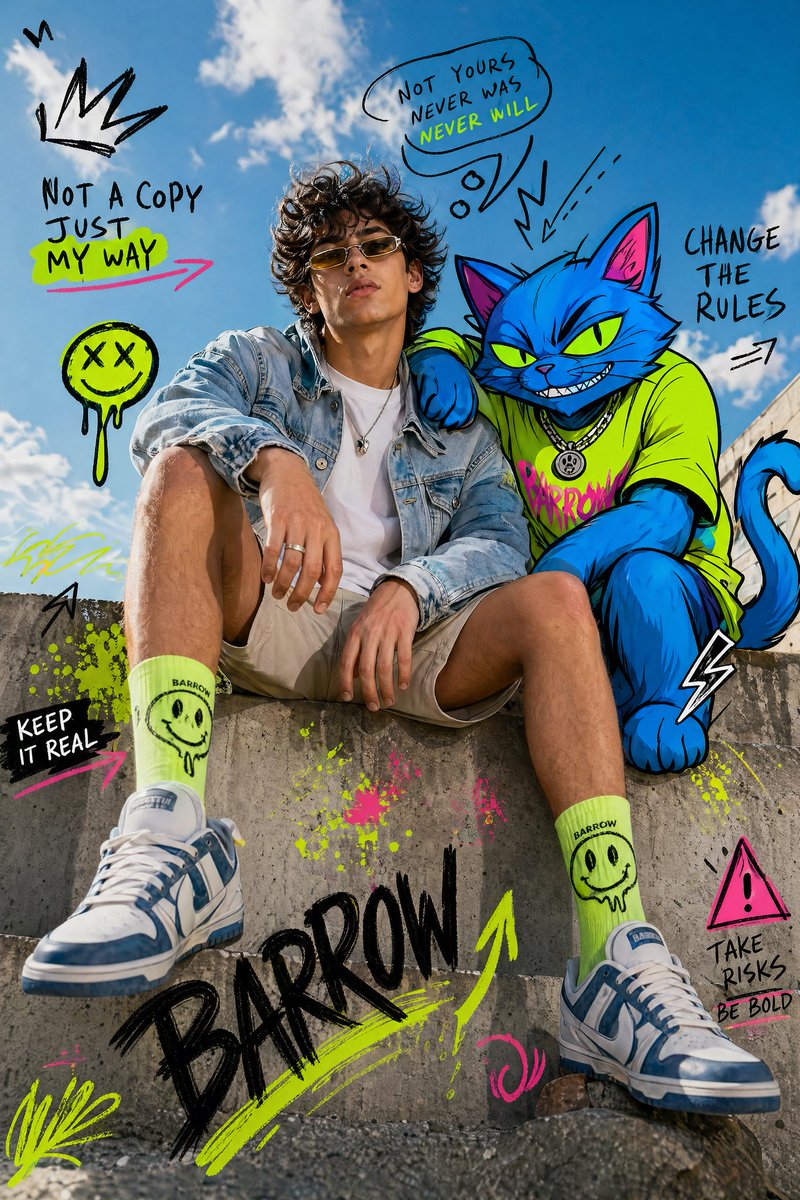
GPT Image 2 mixed media fashion editorial example
04

Style fusion and art direction

GPT Image 2 is strong at blending materials, moods, and visual languages into one coherent output.

What it does

Remixes fashion, editorial, collage, and mixed-media directions from a single prompt.

Why it stands out

Preserves a clear subject while merging textures, lighting, and stylistic cues.

Use it for

Moodboards, campaign exploration, poster concepts, and visual experimentation.

User Feedback

Loved by Creators

Art directors, marketers, founders, and content teams use GPT Image 2 to move from concept to campaign faster.

I can test three campaign directions before lunch and still hand over visuals that feel client-ready.

Priya Sharma avatar

Priya Sharma

Social Media Manager

Storyboard frames come out coherent enough that we can discuss camera rhythm before production art begins.

Jessica Liu avatar

Jessica Liu

Animation Director

The visual polish is strong enough to explore single covers, lyric worlds, and performance moods in one sitting.

Maya Okonkwo avatar

Maya Okonkwo

Music Artist

Previs concepts hold lighting and composition better than most fast image tools I have tried this year.

Daniel Yamamoto avatar

Daniel Yamamoto

VFX Artist

GPT Image 2 FAQ

Answers for using GPT Image 2 as an AI image generator and editor in this workspace.


Start generating with GPT Image 2

Open the GPT Image 2 generator, switch between text-to-image and image-to-image, and turn a prompt or reference image into a finished visual.